


Bagging a job is all about creating a lasting impression. And how do you do that?
The answer is simple- by creating a stellar portfolio website!
Well, if you want to stand out from the crowd and get hired, get started with your portfolio website right now.
Let’s learn how to create a portfolio website with examples.
How To Create a Portfolio Website in 7 Simple Steps?

Here is a step-by-step breakdown of how to create a portfolio website:
Step 1: Choose Your Domain
It’s through your domain name that people will identify you. So it is important to make it unique and relevant. Also, make it easy to remember.
Pick a domain name that applies to your field. You can consider domain extensions including .com, .net, and .org. It is best to make a unique name by integrating your name and profession or using a keyword related to your industry.
Eg: If you are a copywriter, you can go for something like “Kiarawrites.com”.
Step 2: Pick The Server
To store your website’s files and make them accessible to everyone, you need a server. For this, you must choose a hosting provider that is reliable and secure.
Moreover, you have to consider factors like storage space, bandwidth, your budget, and customer support.
Bluehost, GoDaddy, and HostGator are examples of such hosting providers.
Step 3: Which is Your Platform?
This is where you should consider your technical skills and the level of customisation you need. You can look for a platform that requires no coding, or go ahead and create your customised website with coding.
Since we are discussing how to create a website portfolio without coding, you can either utilize a content management system (CMS) like WordPress or consider a website builder of your choice.
Step 4: Select a Website Builder
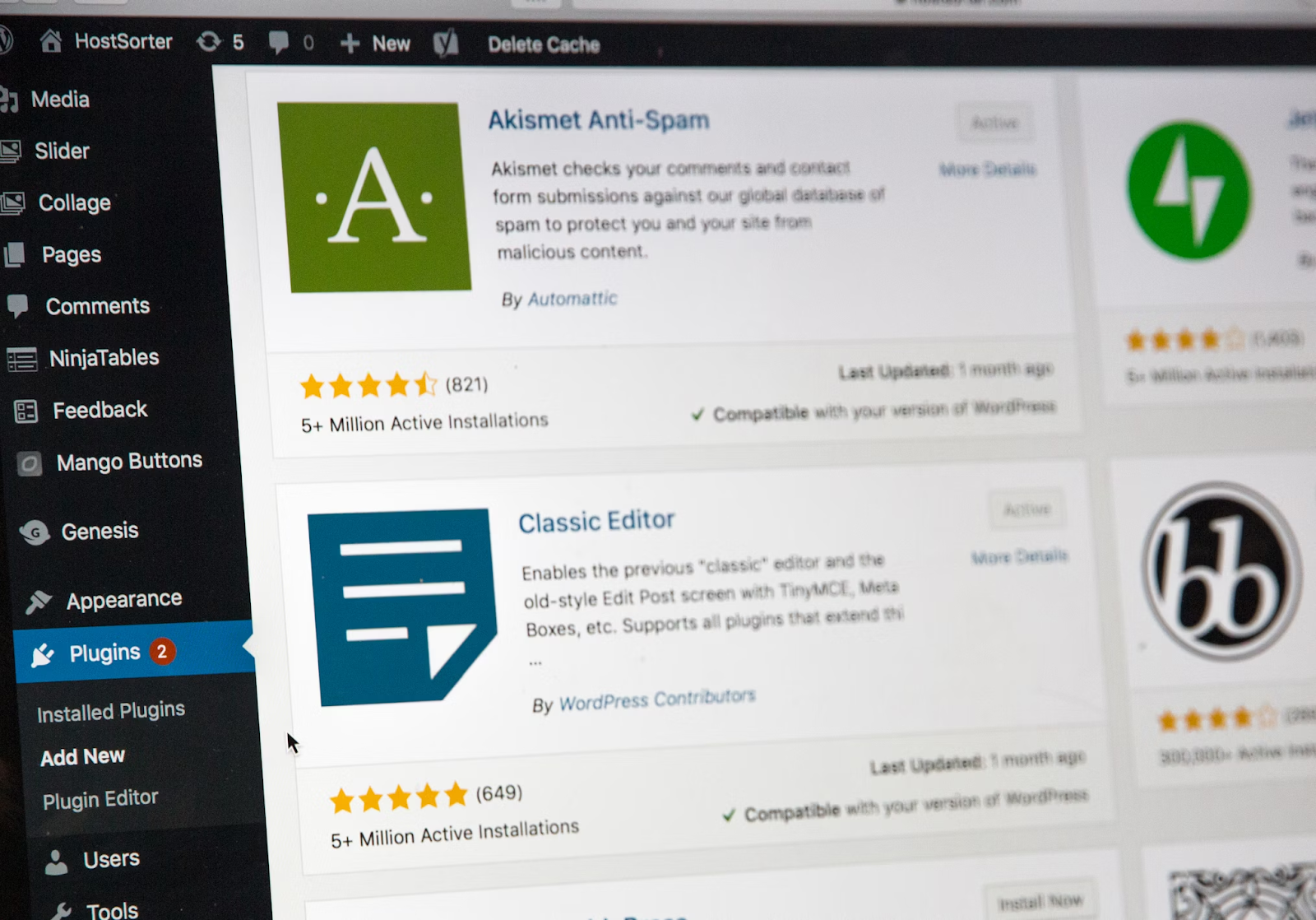
You can use a website builder to create a professional-looking website with pre-designed templates, or build it from scratch. Select a website builder that fits your budget and your needs.
Always remember to choose a platform that offers considerable customization features and good customer support.
Some popular website builders are Wix, WordPress, Weebly, and Squarespace.
Step 5: Upload Your Content
Add sections that clearly show who you are, what you do, and why someone should trust your work.
Create dedicated pages for your About, Portfolio, Contact, and any other information that helps visitors understand you better. Keep the layout simple and intuitive so people don’t have to play detective to find things.
Use high-quality images, project visuals, and videos to present your work. A strong portfolio page should highlight your best projects, explain the problem you solved, and show the results. Think of it like a silent sales pitch working for you 24/7.
Your About page should briefly tell your story. Talk about your skills, experience, and the kind of work you enjoy doing, for this, you can use the EEAT method.
One more thing most people forget.
If you want your portfolio to actually show up when someone searches online, the content needs to be optimised. That means structuring your pages for SEO (Search Engine Optimisation) so search engines can understand your site.
It also helps to think about AEO (Answer Engine Optimisation) and GEO (Generative Engine Optimisation), which help your content appear in AI-powered search results and answer-based platforms.
Optimize it so both people and search engines can find it.
Read More : What is a Content Writing Job? Role Overview, Salary, & Qualifications
Step 6: Hit Publish
Once you’re satisfied with your website’s design and content, it’s time to make it public. Click the “publish” or “go live” button in your website builder or CMS.
Also, check your website on various devices and browsing platforms to ensure it is functioning well.
Step 7: Share and Promote
To attract potential recruiters and clients, share your website across social media and other professional networking platforms.
You can optimize your website using SEO techniques to improve your website’s visibility in search engine results.
Things To Keep In Mind While Creating Your Portfolio Website

Now that you know how to create a portfolio website, let’s see what necessary sections you should include plus some additional tips to help you stand out from other candidates:
Mandatory sections:
About me
Portfolio
Contact Information
Resume or CV (optional)
Keep it simple and easy to navigate
Make sure you use high-quality images
Ensure your website is mobile-friendly
Add testimonials or recommendations to build trust
Maintain a consistent theme
Update regularly
Examples of Portfolio Websites From Our Students at HACA
This is how the students at HACA created their portfolio websites:
#1: Deepna KV

#2: Aman VP

#3: Shamjith

#4: Anupam

Also Read : 7 Digital Marketing Projects You Can Do: Ideas and Examples
Conclusion
Creating a website portfolio is a smart move to showcase your skills and organically attract recruiters. With free tools and no requirement for coding, you can also create one easily in a few steps.
If you are interested in developing your skills so that you never miss your shot at any opportunities, here is your chance. Enroll in our digital marketing course in Kerala now to learn not just web development, but all aspects of digital marketing quickly.
Also watch our youtube video to understand the difference between landing page and website.
